Navigating the Roblox marketplace for decals can feel like a quest in itself especially for adult gamers balancing life and play. This comprehensive guide cuts through the noise offering clear, actionable steps to discover, create, and utilize stunning decals that elevate your Roblox experiences. From understanding image IDs to optimizing your own creations for visibility, we cover everything you need. Dive into current trends for popular decals this month, learn how to troubleshoot common upload issues, and get insider tips for maximizing your creative impact within the vibrant Roblox community. Whether you are a veteran builder looking for fresh assets or a new player aiming to personalize your space, this resource ensures you spend less time searching and more time gaming and creating. We focus on efficiency and value, reflecting the priorities of gamers who integrate their passion seamlessly into their busy schedules, offering solutions to enhance both social play and personal expression without the grind.
What exactly are Roblox decals and where can I find them on the marketplace?
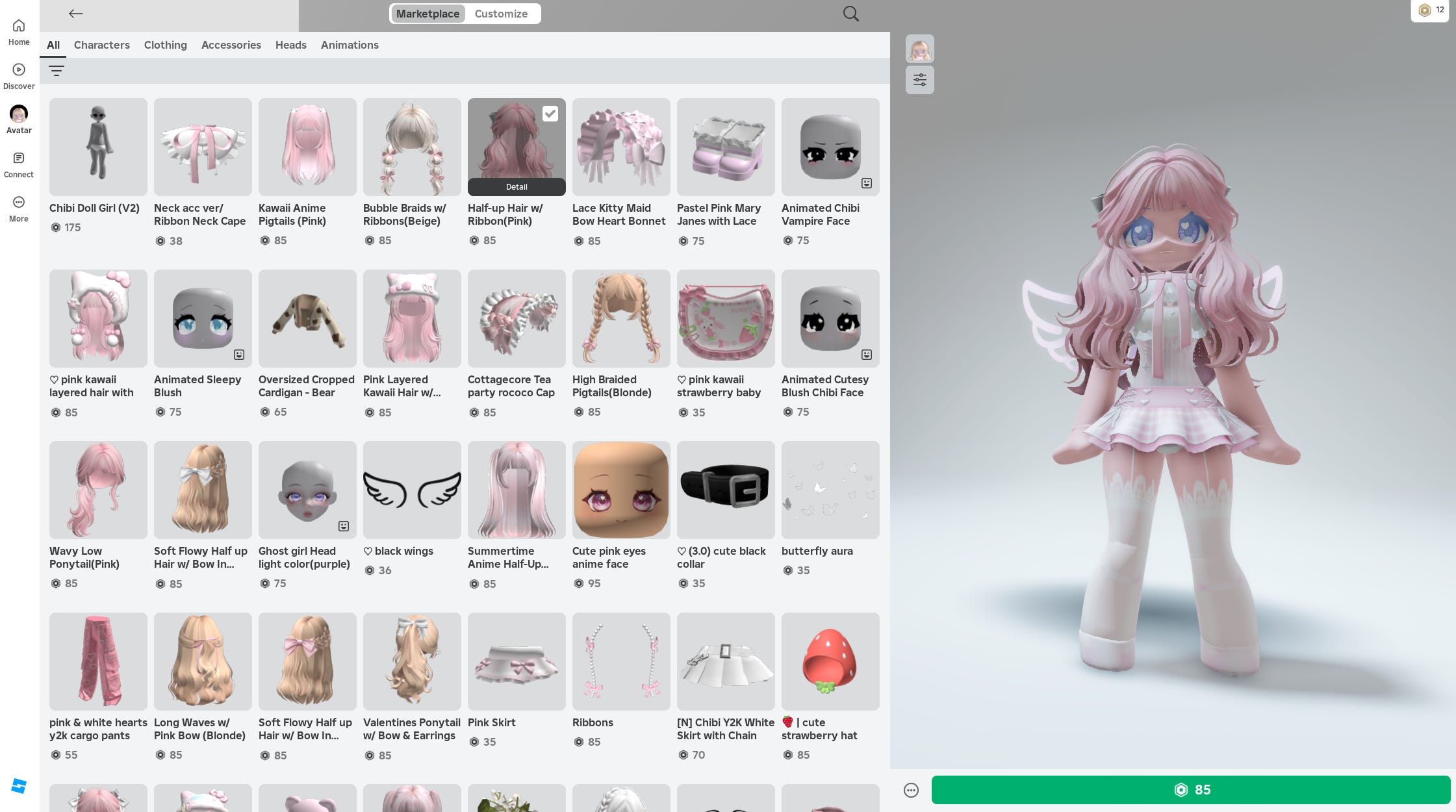
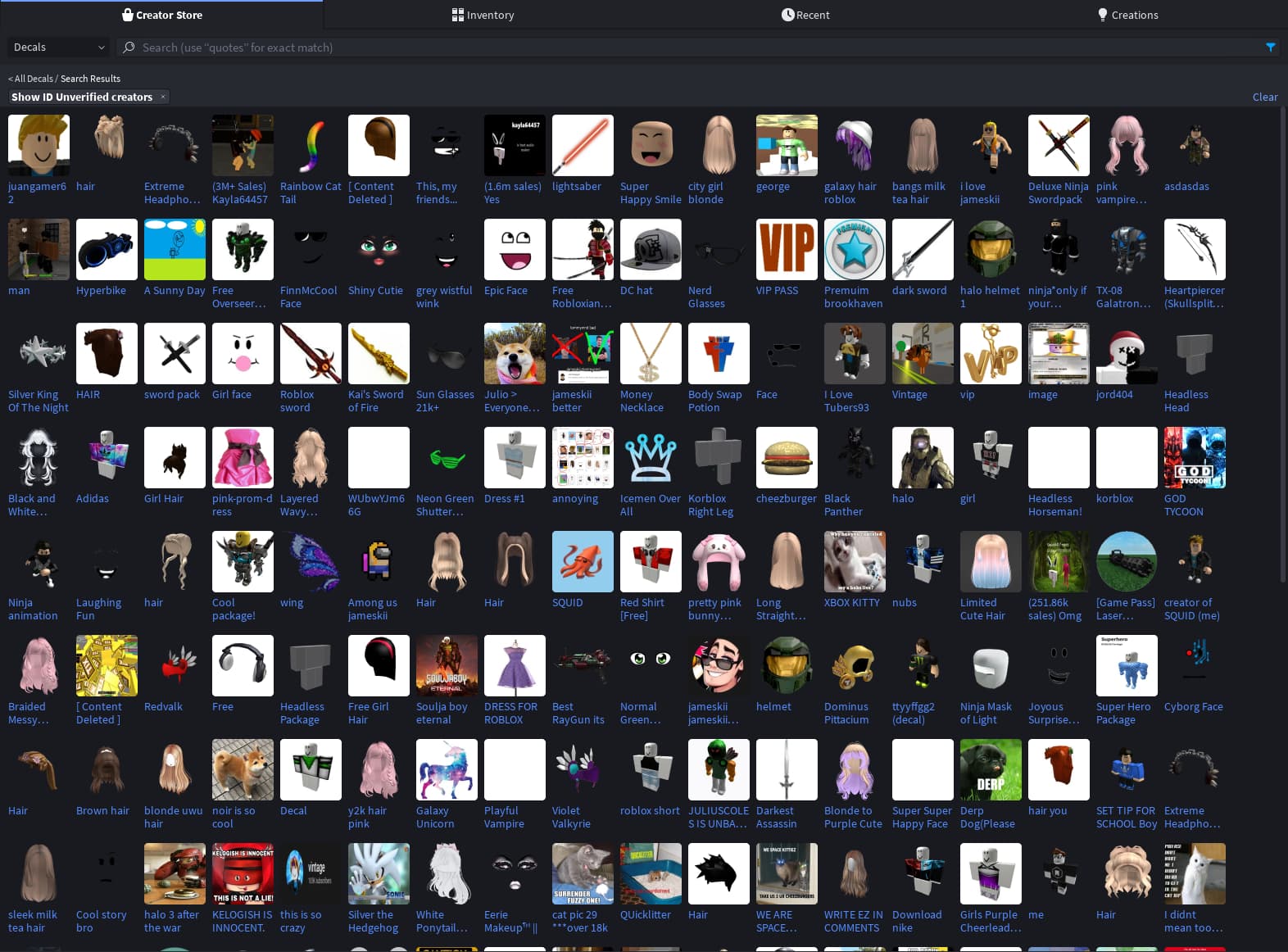
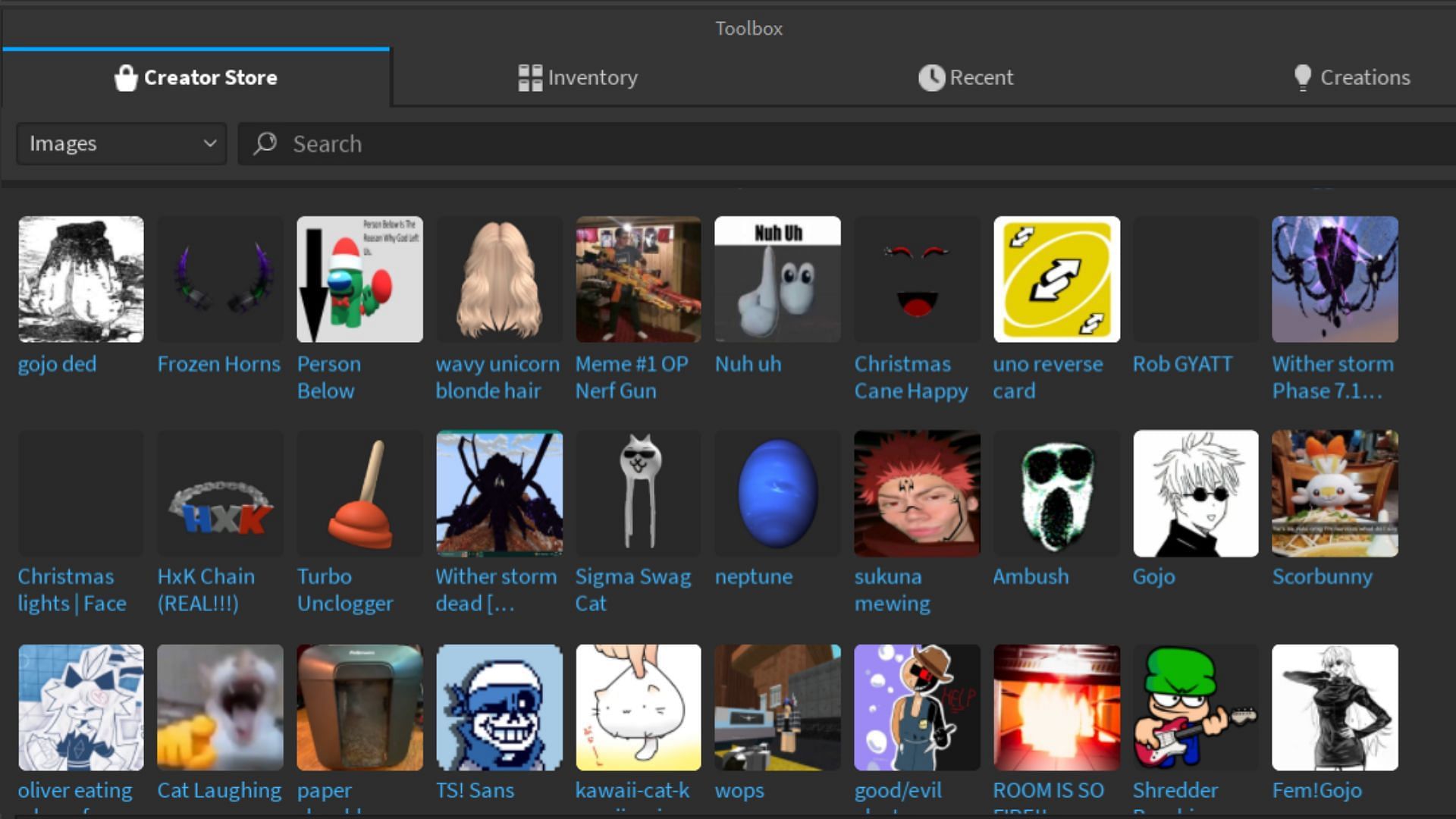
Roblox decals are 2D images or textures that users upload and apply to parts in their games, serving as custom visuals for anything from signs to textures. You can find them by going to the "Create" section on the Roblox website, then "Decals," or within Roblox Studio's "Toolbox" under the "Images" category. Search functionality helps you discover specific assets.
How do I upload my own custom images to Roblox as decals?
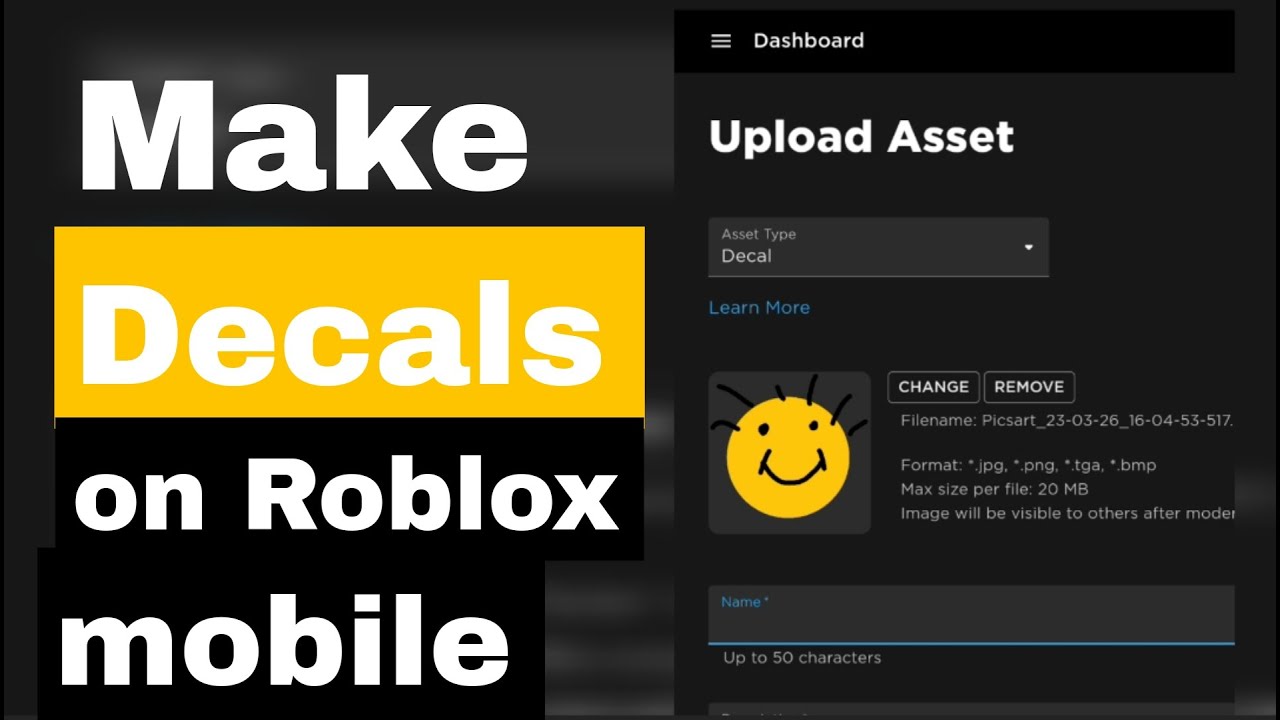
To upload your custom images, first design your graphic (e.g., 512x512 PNG/JPG) adhering to Roblox's content rules. Then, go to the Roblox website, navigate to the "Create" tab, select "Decals," and click "Choose File" to upload. Give it a descriptive name and await moderation approval.
What are Roblox Image IDs and why are they important for using decals?
Roblox Image IDs are unique numerical identifiers assigned to every uploaded image. They are crucial because they allow you to reference specific decals directly within Roblox Studio properties (like a Part's Texture property) or even in scripts, enabling you to apply and manage your visual assets effectively.
Are there any costs or Robux involved in creating or using Roblox decals?
Uploading and using decals on Roblox is generally free. You don't need Robux to upload a decal for personal use or for your own games. However, if you are trading or buying specific decal-related items in experiences, Robux may be involved indirectly, but the core decal system is free for creators.
How can I ensure my Roblox decals look good and perform well in-game?
For good looks, use clear, high-resolution images (e.g., 512x512) and transparent backgrounds where needed. For performance, optimize by reusing decals, using texture atlases, and avoiding excessive numbers of large decals, especially for mobile users, to minimize memory usage and loading times.
What are the moderation rules for Roblox decals, and how do I avoid rejections?
Roblox moderates all decals to ensure they comply with Community Standards, prohibiting content like explicit material, hate speech, violence, and copyrighted images. To avoid rejection, always create age-appropriate content, use original work or licensed assets, and review the guidelines thoroughly before uploading.
Where can I find trending or popular decals to get inspiration for my builds?
You can discover trending or popular decals by exploring the "Images" or "Decals" section of the Roblox Toolbox within Studio, or by browsing the "Create" section on the Roblox website. Look for categories like "Popular" or "Recently Updated" to see what other creators are actively using or uploading, offering great inspiration.
Are you a dedicated gamer who also juggles a demanding job, family responsibilities, and the general ebb and flow of adult life? You're not alone. The US gaming landscape in 2026 shows that an impressive 87% of adult gamers regularly dive into their favorite titles, averaging over 10 hours a week. For many, gaming is that vital escape, a space for relaxation, fun, and even skill-building. But with limited time, every minute counts. Whether you're optimizing your PC's performance, seeking the next great social game to connect with friends, or just trying to keep up with trends without falling down a rabbit hole of hype, we understand the struggle. You want value for your time and money, clear solutions to common frustrations, and ways to enhance your experience without unnecessary complexity.
Today, we're diving deep into a often-overlooked yet incredibly powerful aspect of personalizing and enhancing your Roblox experience: the marketplace Roblox decals. For many busy gamers, Roblox might seem like a platform primarily for younger audiences, but it's a massive hub for creativity and social interaction that spans all ages. The ability to customize your games and creations with unique visuals is key, and decals are at the heart of that. You might be wondering how to find stunning visuals, upload your own artwork, or even troubleshoot those pesky moderation issues. We've all been there – staring at a bland build, wishing for that perfect texture or image to bring it to life, but lacking the time to figure out the intricacies of the Roblox marketplace. This comprehensive guide is designed to cut through that complexity, providing you with actionable insights and practical solutions to master the world of Roblox decals, allowing you to spend less time searching and more time creating and enjoying your well-deserved gaming moments.
What exactly are Roblox Decals and why do they matter to gamers?
Roblox decals are essentially 2D images or textures that users can upload and apply to parts within their Roblox games or creations. Think of them as digital stickers for your virtual world. They're fundamental for adding visual detail, branding, custom UI elements, signs, posters, or even complex textures to objects. For gamers who enjoy building and creating, decals are indispensable for achieving unique aesthetics that go beyond basic Roblox materials. They allow for an unparalleled level of personalization, transforming generic blocks into intricate pieces of art or functional game elements. In a platform where creativity reigns supreme and millions of experiences are shared daily, decals are your brushstrokes for standing out, reflecting your personal style or game's theme with precision.
How do I find and use existing Decals from the Roblox Marketplace?
Finding decals on the Roblox marketplace is straightforward, designed to be accessible even when you're short on time. Start by navigating to the Roblox website and selecting the "Develop" tab, then "Decals." Alternatively, within Roblox Studio, you can open the Toolbox and switch to the "Images" or "Decals" category. Here, you can search using keywords related to what you need – "wood texture," "sci-fi panel," "graffiti," "brick wall," or specific aesthetic terms. Once you find a decal you like, clicking on it will often display its unique Image ID. To use it in Studio, simply drag it from the Toolbox onto a part, or copy its Image ID and paste it into the "Texture" property of a Part's "Decal" or "Texture" instance. Remember to check the creator and ratings; a quick glance can save you from low-quality or inappropriate assets, a crucial tip for busy adult gamers focused on efficiency.
Can I create my own custom Decals for Roblox? What's the process?
Absolutely, creating custom decals is where the true personalization begins, allowing you to bring your unique vision into Roblox. The process involves a few key steps. First, design your image using any graphic design software you prefer, such as Photoshop, GIMP, or even basic paint programs. Ensure your image is in a common format like .png or .jpg and that it adheres to Roblox's content guidelines – no explicit, copyrighted, or inappropriate material. The recommended resolution can vary, but generally aim for square dimensions like 512x512 or 1024x1024 pixels for optimal clarity without excessive file size. Once your image is ready, go to the "Create" section on the Roblox website, click on "Decals," and then "Choose File" to upload your image. Give it a descriptive name and hit "Upload." Roblox will then moderate the image, which usually takes a few minutes, but can sometimes be longer. After approval, your decal will appear in your "My Decals" inventory, ready for use.
What are Roblox Image IDs and how do I use them effectively?
A Roblox Image ID is a unique numerical identifier assigned to every image or decal uploaded to the Roblox platform. It's essentially the digital address for your visual asset. These IDs are critical for developers and builders because they allow you to reference specific images directly in your game scripts, properties, and even via chat commands in some older games. When you upload a decal, Roblox assigns it an ID. You can find this ID by navigating to the decal's page on the Roblox website; it will be in the URL (e.g., roblox.com/library/[ImageID]/decal-name). To use an Image ID in Roblox Studio, you typically insert a "Decal" or "Texture" object into a Part and then paste the Image ID into the "Texture" property within the Properties window. Mastering Image IDs is a significant time-saver, streamlining asset management and ensuring consistency across your builds, a real boon for developers who value efficient workflows.
How can I troubleshoot common Decal upload and display issues?
Encountering issues with decals is common, but most problems have straightforward solutions. If your decal fails to upload or is rejected, first double-check that your image complies with Roblox's Community Standards. Common violations include copyrighted material, explicit content, or excessively gory images. Ensure the image file type is supported (.png, .jpg) and the resolution isn't excessively large, which can cause upload failures. If a decal isn't displaying correctly in Studio or in-game, verify that you've correctly applied the Image ID to a "Decal" or "Texture" object on a "Part" that has a visible surface. Make sure the part itself is visible and not transparent. Sometimes, clearing your Roblox Studio cache or simply restarting Studio can resolve display glitches. For persistent issues, contacting Roblox Support with your Decal ID and a clear description of the problem is the next best step.
Are there any performance considerations when using many Decals in my Roblox game?
Yes, absolutely. Performance optimization is a key concern for any adult gamer, especially those who want their creations to run smoothly across various devices, including mobile – which accounts for a significant portion of Roblox players this month. While individual decals are typically small, using an excessive number of high-resolution decals, particularly on many different parts, can impact your game's performance. Each unique decal texture needs to be loaded, increasing memory usage and potentially causing lag, especially on older or less powerful devices. To optimize, consider using texture atlases where multiple small decals are combined into one larger image. This reduces draw calls. Also, ensure your decals are at an appropriate resolution; a 2048x2048 decal might look great up close but is overkill for a tiny detail that will barely be seen. Reuse decals where possible rather than uploading slightly different versions, and ensure unnecessary decals are removed. Balancing visual fidelity with performance is crucial for an enjoyable player experience.
How do I ensure my custom Decals are visible and appealing to other players?
Making your custom decals visible and appealing involves a mix of good design, strategic naming, and community engagement. Firstly, focus on high-quality, clear designs that are relevant to your game's theme. Use appropriate color palettes and avoid busy backgrounds if the decal is meant to stand out. When uploading, give your decal a descriptive and keyword-rich name. Instead of "Image123," use "Sci-Fi Metal Texture Panel" or "Vintage Brick Wall." This helps other creators find your decals when searching the marketplace. Consider adding tags if the option is available to further categorize your work. Promote your decals within your games or social media channels, showing examples of how they can be used. Active participation in developer forums and showcasing your work can also draw attention, making your creations more discoverable and appreciated by the wider Roblox community. Remember, good design paired with smart visibility tactics equals impact.
What are the latest trends in Roblox Decals this month?
Keeping up with trends is essential for creators who want their content to resonate. This month, we're seeing a strong surge in decals reflecting several popular themes. "Cozy aesthetic" decals, featuring soft colors, intricate patterns, and nature-inspired elements, are gaining traction as players seek calming and inviting virtual spaces. Hyper-realistic textures for environments, such as detailed foliage, stone, and water effects, continue to be highly sought after for creators aiming for immersive experiences. Cartoonish or stylized decals, particularly those for unique character customization or UI elements, are also very popular, aligning with the platform's diverse art styles. Furthermore, with the rise of social gaming trends, decals that facilitate interaction, like custom signs for virtual shops, event banners, or decorative elements for shared hangouts, are seeing increased usage. Always check the "Popular" or "Trending" sections in the Roblox Toolbox or marketplace for the most current insights.
How do Decals enhance social interaction and personalization in Roblox?
Decals play a vital role in enhancing social interaction and personalization by allowing players to express themselves and communicate within their virtual environments. Imagine stepping into a custom-built cafe game on Roblox: the menu boards, the wall art, the intricate floor patterns – all likely rely on decals. These visual elements create atmosphere and convey information, making spaces more engaging and inviting for social gatherings. For personalizing avatars or homes, decals allow players to add unique flair, from custom shirts to decorative items. This self-expression fosters a stronger sense of identity and ownership within the game world. In a social gaming environment, where connecting with friends and building communities is paramount, unique decals contribute to memorable shared experiences, making virtual hangouts more vibrant and personalized. They are the silent communicators of style and purpose in the vast Roblox metaverse.
What are the safety guidelines and moderation rules for Roblox Decals?
Roblox has strict safety guidelines and moderation rules in place to ensure a safe and positive environment for its diverse user base. For decals, this means all uploaded images are subject to review before they become publicly available. Prohibited content includes, but is not limited to: nudity, sexually suggestive material, hate speech, discrimination, glorification of violence, gore, illegal activities, and personal identifying information. Additionally, copyrighted material without proper authorization is strictly forbidden. While it can sometimes be frustrating when a decal is rejected, these measures protect users and maintain the platform's integrity. Always ensure your images are appropriate for all ages and do not violate any intellectual property rights. Repeated violations can lead to warnings, temporary bans, or even permanent account termination. It’s always best to err on the side of caution and review Roblox’s Community Standards if you're ever unsure about content acceptability. This ensures a smooth creation process and contributes to a safer community for everyone.
The world of marketplace Roblox decals offers a boundless canvas for creativity and personalization, whether you're a seasoned developer or a casual player looking to add some flair. By understanding how to effectively find, create, and manage decals, you're not just decorating virtual spaces; you're enhancing your entire Roblox experience. We've explored the core mechanics, practical troubleshooting, and crucial performance considerations, all with the goal of helping busy adult gamers like you get the most out of your limited gaming time. Remember, the right decal can transform a simple build into a captivating environment, fostering better social connections and allowing for richer self-expression. Don't let technical hurdles or time constraints hold back your creative vision.
What's your biggest gaming challenge when it comes to customizing your Roblox worlds? Comment below! We'd love to hear your experiences and help you find solutions.
FAQ Section
Can I sell my custom Roblox Decals to other players?
No, Roblox currently does not have a direct marketplace for selling individual decals to other players like you might sell game passes. Decals are generally used within your own creations or for personal aesthetic. However, if your decals are part of an engaging game or experience, players might spend Robux there, indirectly valuing your assets.
Do Roblox Decals cost Robux to upload?
Uploading decals to Roblox is generally free for most users. However, if you're uploading many assets or frequently, Roblox Premium subscribers might have slightly different allowances. Always check the official Roblox Create page for the most current information regarding any potential fees or limits.
What's the best image size for Roblox Decals?
For optimal quality and performance, a square aspect ratio is best, with common resolutions like 512x512 pixels or 1024x1024 pixels. Higher resolutions like 2048x2048 can be used for very large surfaces that players will view up close, but balance this with potential performance impacts, especially on mobile devices.
Why was my Roblox Decal rejected by moderation?
Decals are often rejected if they violate Roblox's Community Standards. Common reasons include copyrighted material, explicit or inappropriate content, hate speech, gore, or personal identifying information. Review your image against these guidelines before re-uploading, and consider editing it to be more compliant.
Can I use transparent backgrounds for my Decals?
Yes, you can absolutely use transparent backgrounds for your Roblox decals by saving your image as a .png file with alpha transparency. This allows your decal to blend seamlessly onto surfaces without a visible white or colored border, making for a much cleaner and professional look in your builds.
How long does it take for a Decal to be moderated?
Moderation times can vary, but most decals are processed within a few minutes to an hour. During peak times or for more complex images, it might take longer. If your decal is pending for an extended period, ensure it adheres to all guidelines; otherwise, it should eventually be approved or rejected.
Discovering Roblox decals, creating custom decals, uploading decals effectively, understanding image IDs, troubleshooting decal issues, optimizing decal visibility, latest marketplace trends, enhancing Roblox builds, social gaming personalization, value-for-money decal strategies.
35




What Are Roblox Ice Decals For 2026 Best Decal Ids Roblox . Avatar Makeup Launches Today On Roblox Marketplace Roblox F207bd86 B4a0 7623 9854. How To Add People Roblox Easily Your 2026 Guide . Avatar Makeup Launches Today On Roblox Marketplace Roblox 8d955b0b A12a A721 2b68. Ready To Share How To Publish Your Roblox Game 1200x1769


IPO Bound Flipkart Names Veteran Ravi Iyer As Marketplace CFO IMP NEWS Flipkart . Why Are Roblox NWA Decals So Popular . Best 13 HOW TO MAKE DECALS ON ROBLOX Artofit . Magazine Roblox Decals In 2025 Spiderman Room Bloxburg Decal Codes . Photo Roblox Decals In 2025 Bloxburg Decals Codes Aesthetic Pattern


Roblox Decals In 2025 Preppy Decal Bloxburg Decals Codes . Why Are Roblox NWA Decals So Popular . Roblox Decals Tableau Maison Dessin Kawaii . Word Decals Roblox Textures And Decals Roblox . Roblox Decals Artofit


What Are Roblox Ice Decals For 2026 . Les Choix D Aujourd Hui Sur Marketplace Hub Cr Ation Todays Picks Marketplace . Roblox Marketplace A069ea83 5579 4645 8681 2241x1250 . Archived Decals That Are Public Still Show Up In The Marketplace . Roblox Decal IDs May 2024 46888 1920


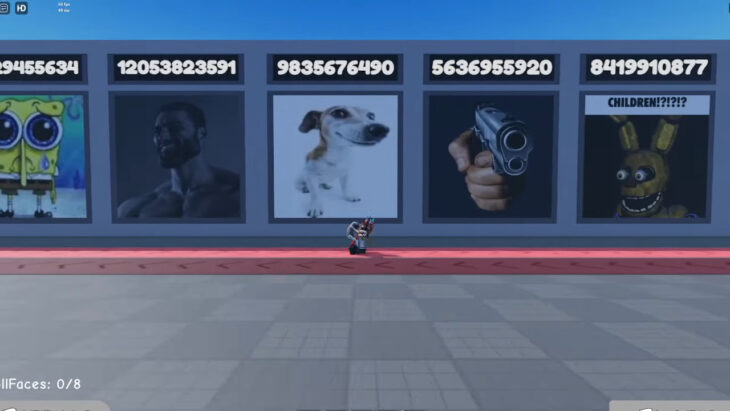

Japan Poster Decals Immagini . What Exactly Is A Roblox Decal And How Can You Use Them Id Decal Roblox Image . Roblox Marketplace Creation Page . Roblox Decal IDs List Your Ultimate Guide To Learn How To Use Roblox Decal IDs 730x411 . Roblox Marketplace 2 1024x816


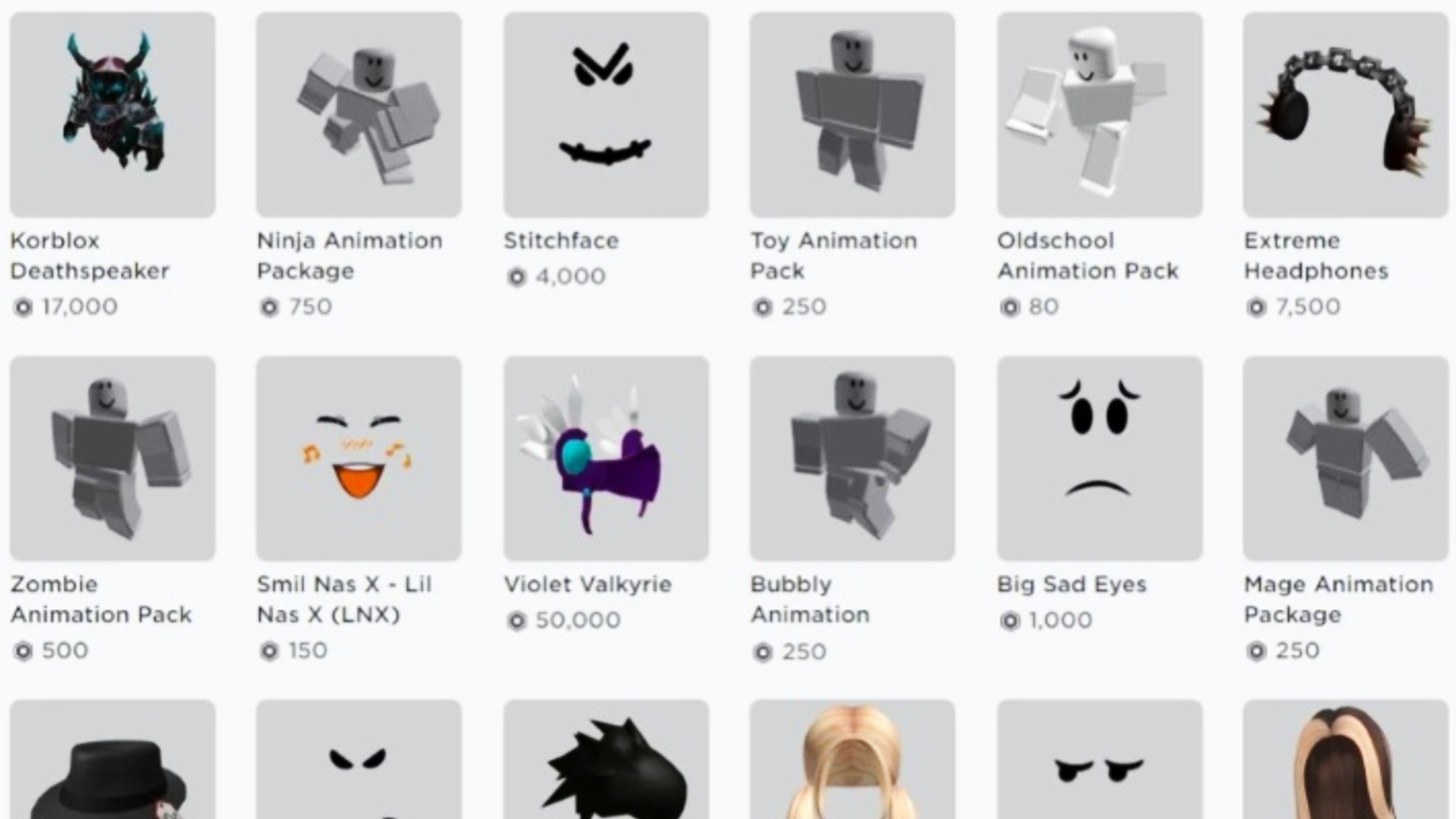

Roblox Decals Etsy Il Pqk3 . Decals Roblox Marketplace At Murray Baxter Blog . Roblox Decals For Customizing Your Virtual World Wall Decals For . Roblox Marketplace Roblox Marketplace Current . Roblox DBZ Decals What Are They For 2026 Maxres2
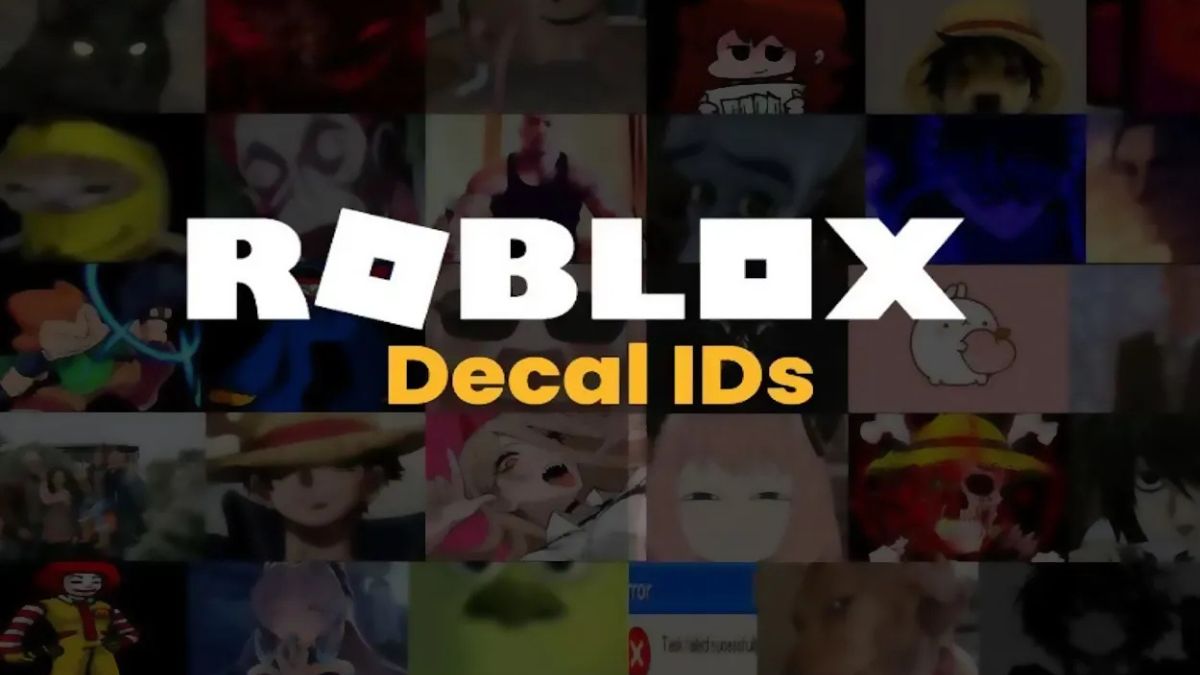


Roblox Decal L G C Ch T I V S D Ng Roblox Decal M I Nh T Roblox Decal . What Are Roblox Decal Codes And How Do You Use Them . D2C To Mass Market MasterChow S Quick Commerce Retail Blitz IMP NEWS Roblox Star Codes.webp. Custom Decals For Roblox In 2025 Royale High Journal Ideas Custom . Flipped Decals Fixing Roblox Studio Woes